
Forgot your Password or Username?
Navigate to the Genius Student Information System Login Page and follow the steps below to Retrieve your Username and Password.
Step 1
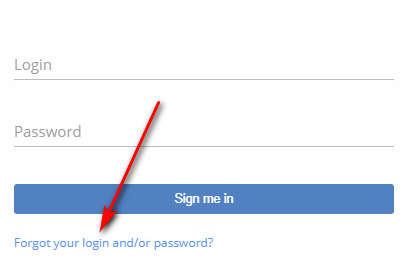
Click the link shown above.
Step 2
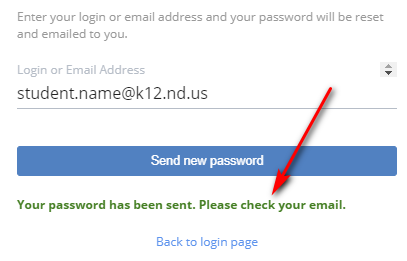
Enter your username OR email address and click the Send new password button.
Step 3
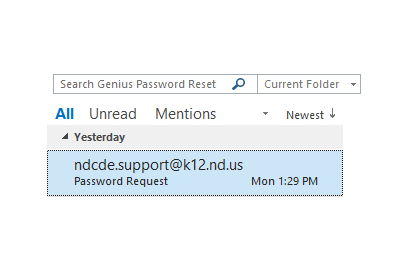
Check your inbox for an email containing your login (username) and password.
Step 4
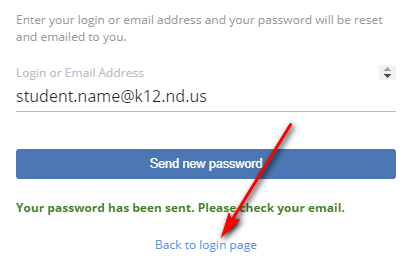
Click the link above and enter your login (username) and password.
Password Request Form
If you did not receive the email message or do not know what email address was provided when you were registered for your course, you will need to fill out a password request form and a customer service representative will contact you.
Email Safe List
Please add k12.nd.us and geniussis.com to your email safe list. Most email correspondence from NDCDE will originate from these 2 domains.